OC-CORE-CATALOGcore
Catalog
Products, categories, prices, stock and images — the base every shop module builds on.
- Prices in the currency’s smallest unit — no float errors
- Compare-at (sale) price
- Title and description per language
OCMS · version 0.1
On your own server: a small, secure core — and every capability is a separate module: catalog, cart, payment gateways, SMS. Install only what you need, and arrange every page with the page builder, no code.
The demo admin is read-only: open any screen, nothing can break. Sign in to the demo admin: demo@ocms.ir / demo-ocms-readonly
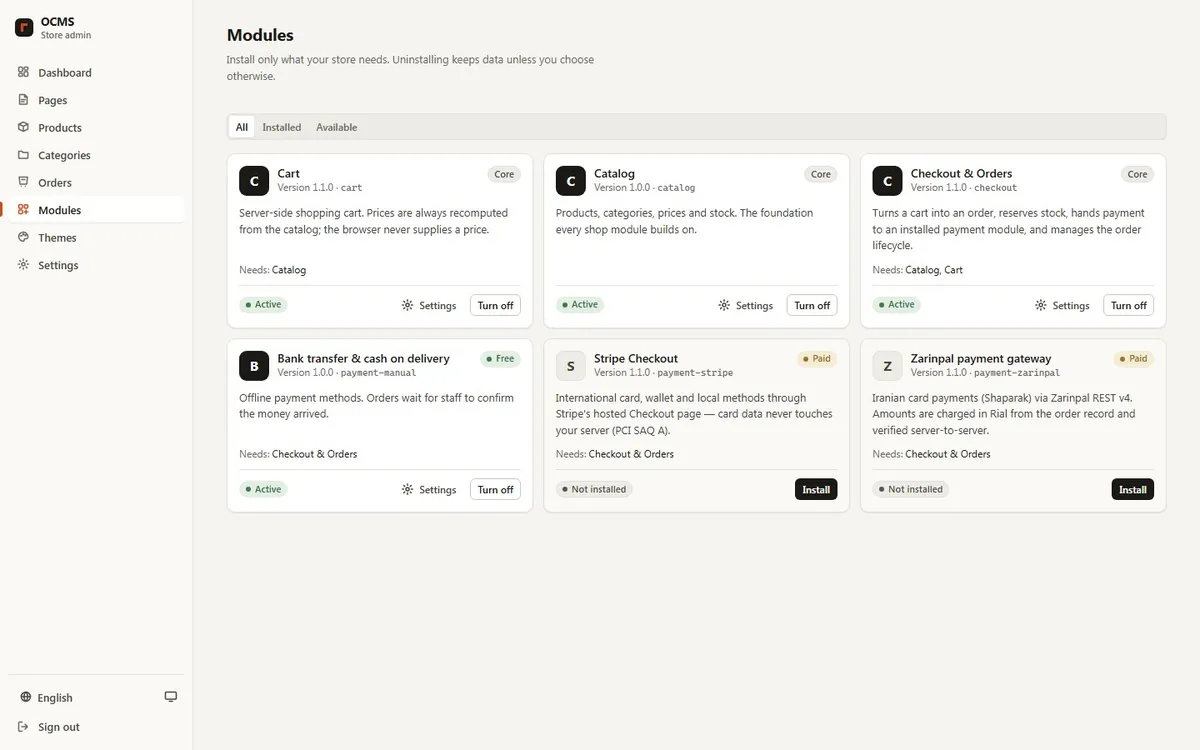
Every image on this page is captured from OCMS itself, not a mock-up. Open the same screens in the demo.
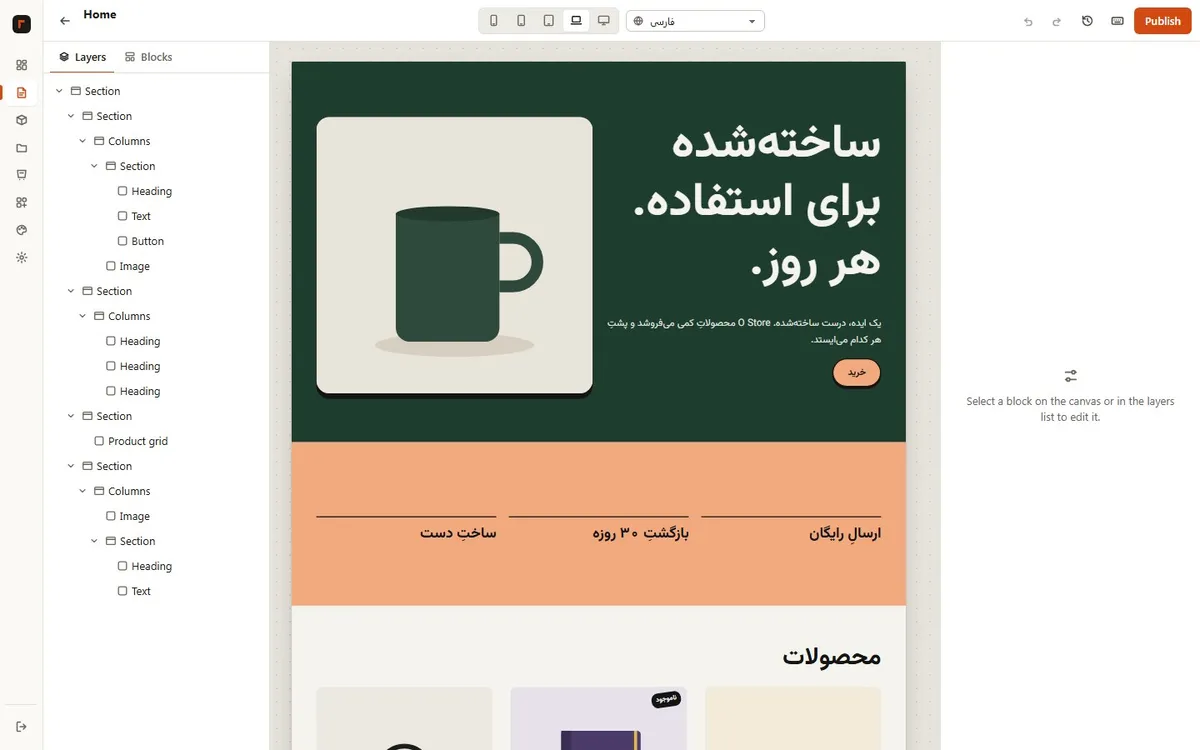
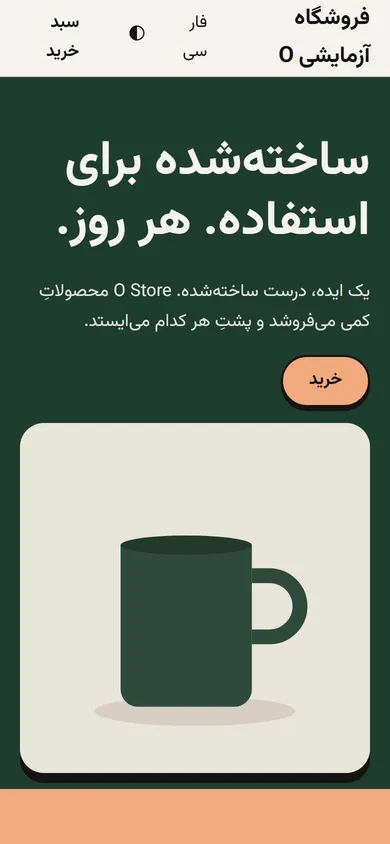
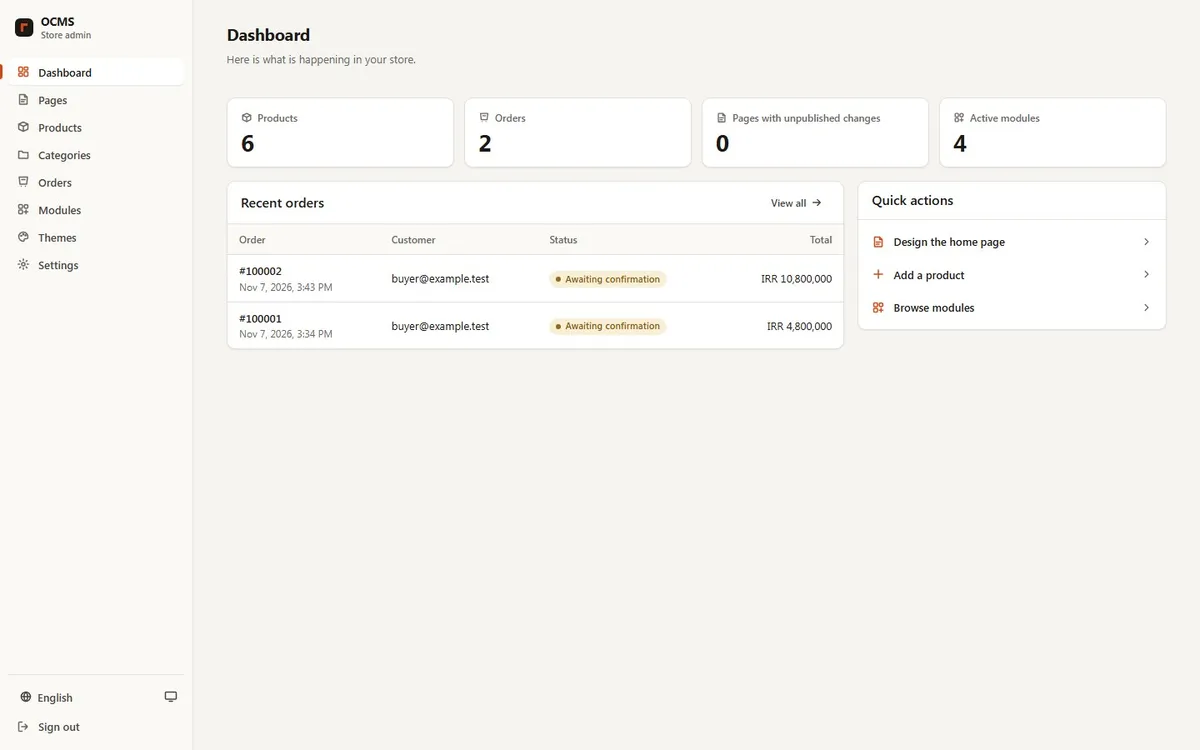
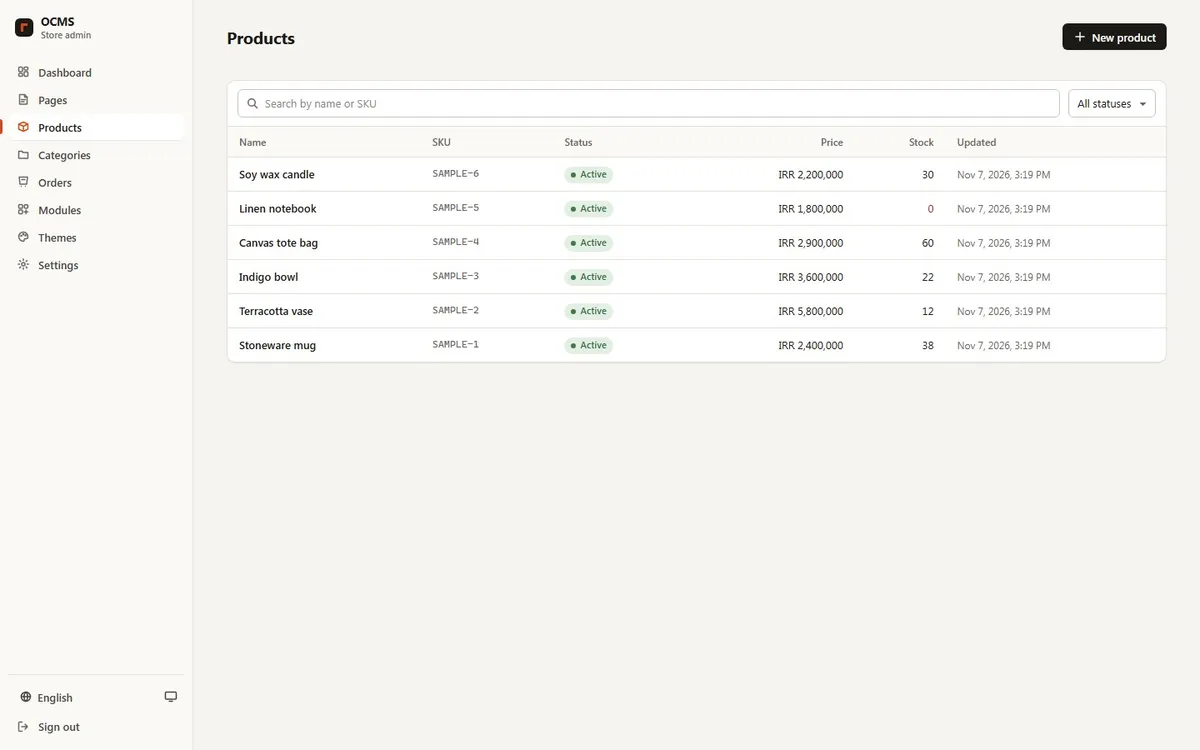
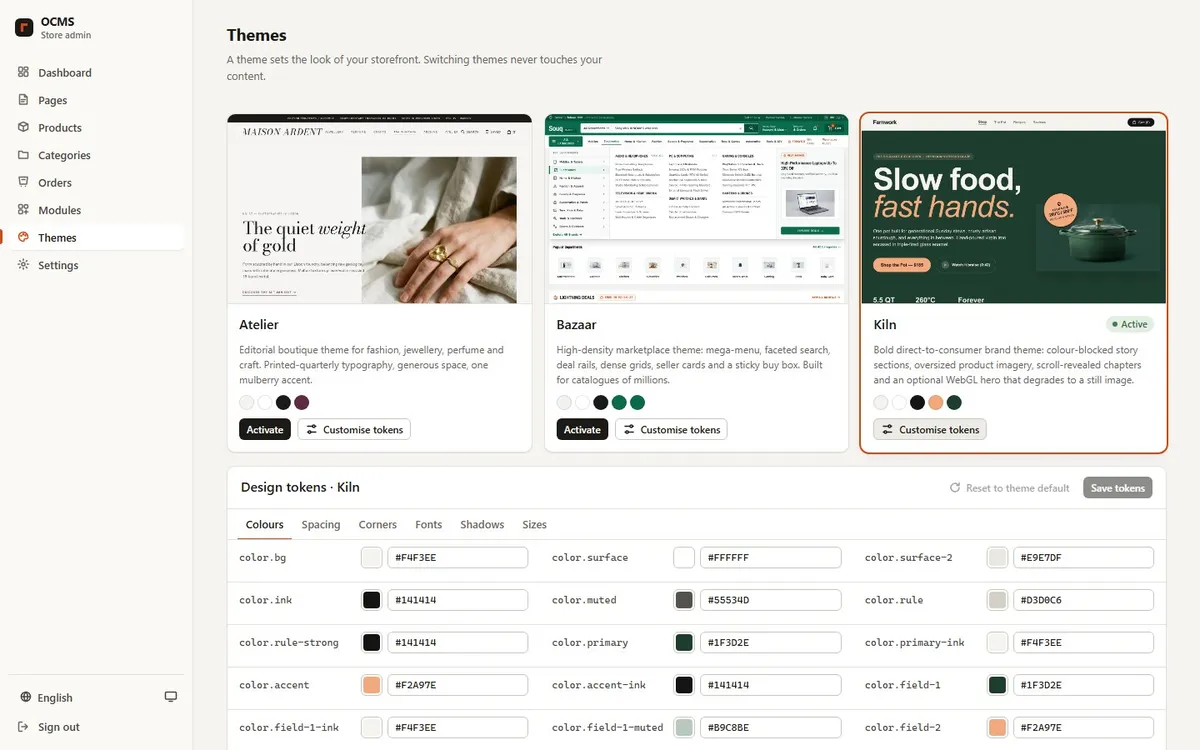
The module is the unit of sale: each has a part number, a list of permissions shown to you before install, and its own settings. A module you haven’t installed doesn’t even have an API route.
Products, categories, prices, stock and images — the base every shop module builds on.
Server-side cart: the price is always recomputed from the catalog — the browser never sends one.
Orders, stock reserved at checkout, and the full order lifecycle from paid to delivered and returned.
Offline methods; the order waits until staff confirm the money arrived.
Iranian (Shetab) card payments via Zarinpal REST v4. Amount from the order record, verified server-to-server.
International cards and wallets on Stripe’s hosted page — card data never touches your server (PCI SAQ A).
Built on the same contracts:
Every page — home, product, category, cart, checkout — is made of blocks. Drag, reorder, tune per screen size and per language. Draft and publish are separate and every revision is kept.
Not a plug-in on top: language is in the data model. Calendars, digits and currency follow each language, and right-to-left works without a second stylesheet.
The storefront installs on a phone and shows a decent page offline. Money paths are never cached.
A theme is a set of colour, spacing, font and shadow tokens you edit in the admin. Tokens are validated before saving, so no CSS can be injected.
Any Linux server with Docker. PostgreSQL database. Your data and keys stay on your server.
These aren’t conventions someone might forget; the core enforces them.
Fastify + zod API; a route without a schema or a declared permission is refused at boot.
6-digit codes from a phone, single-use recovery codes, account lock after 10 failed attempts.
Every admin change is recorded; rows cannot be edited or deleted, even by the database owner, and a hash chain shows any tampering.
No unsafe-inline; the admin runs with Trusted Types. HTML output is escaped by default.
Amounts come from the order record, payments are verified server-to-server, webhooks are signed. No number is taken from the browser.
Paid modules activate with a signed licence and only get the permissions they declared.
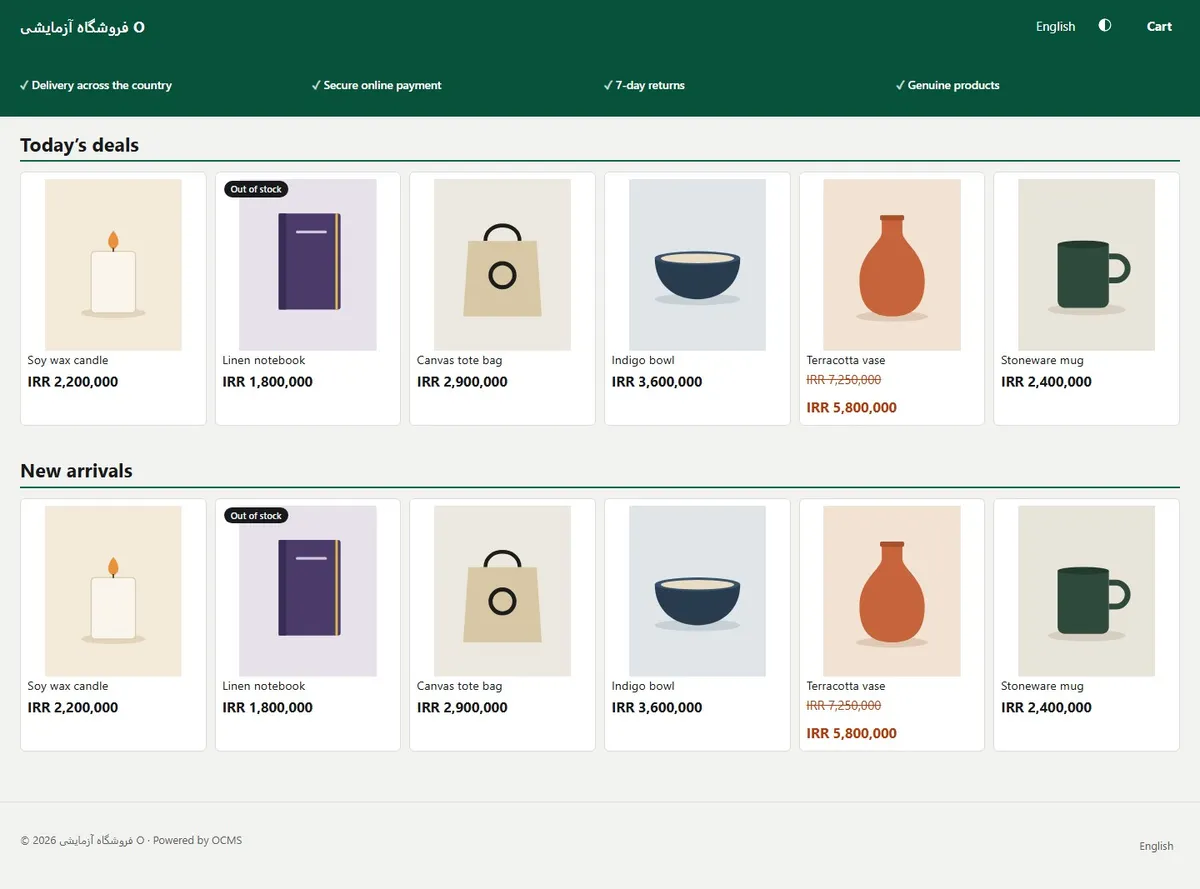
Atelier for refined brands, Bazaar for large catalogues, Kiln for single-brand direct sales.
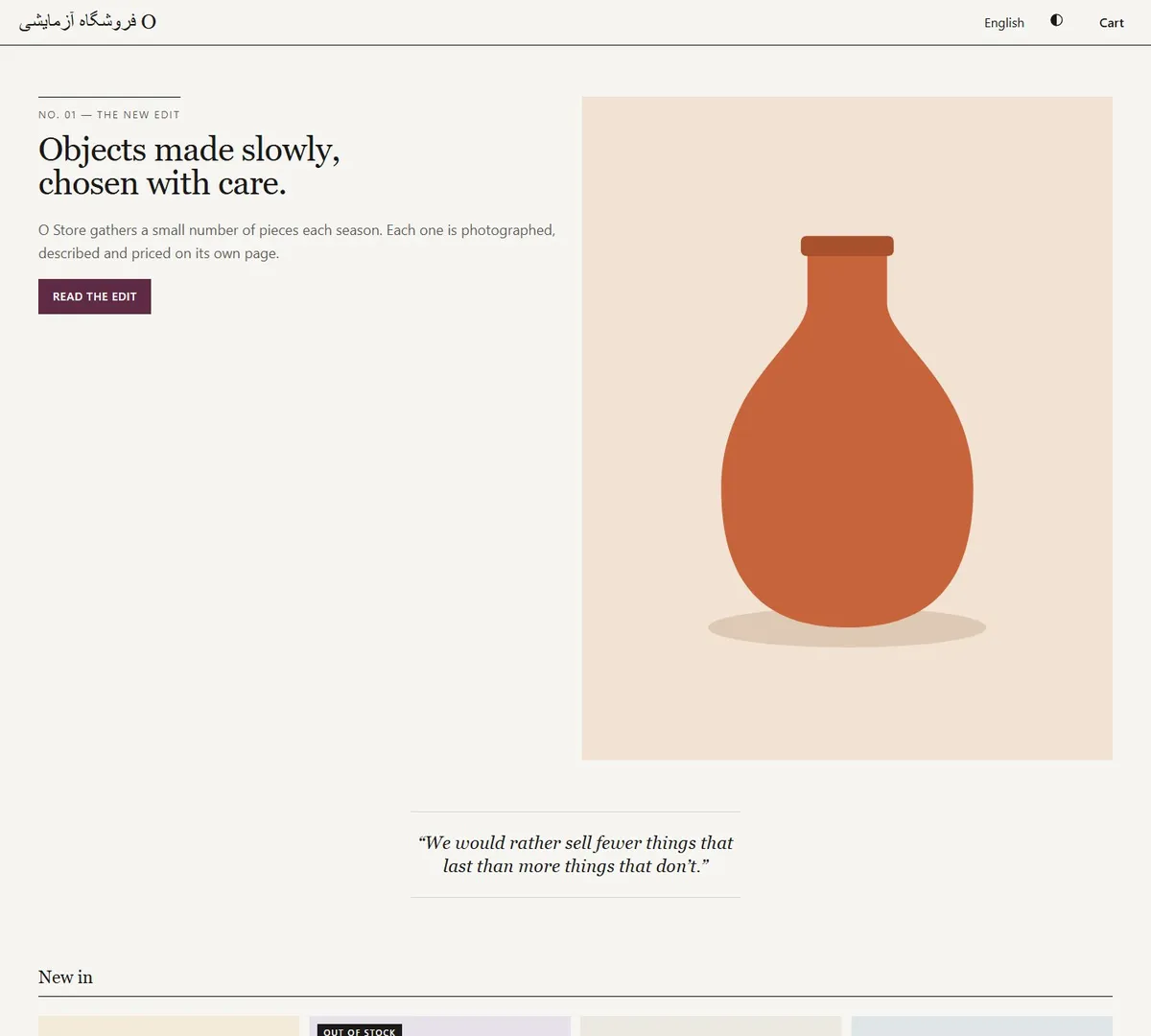
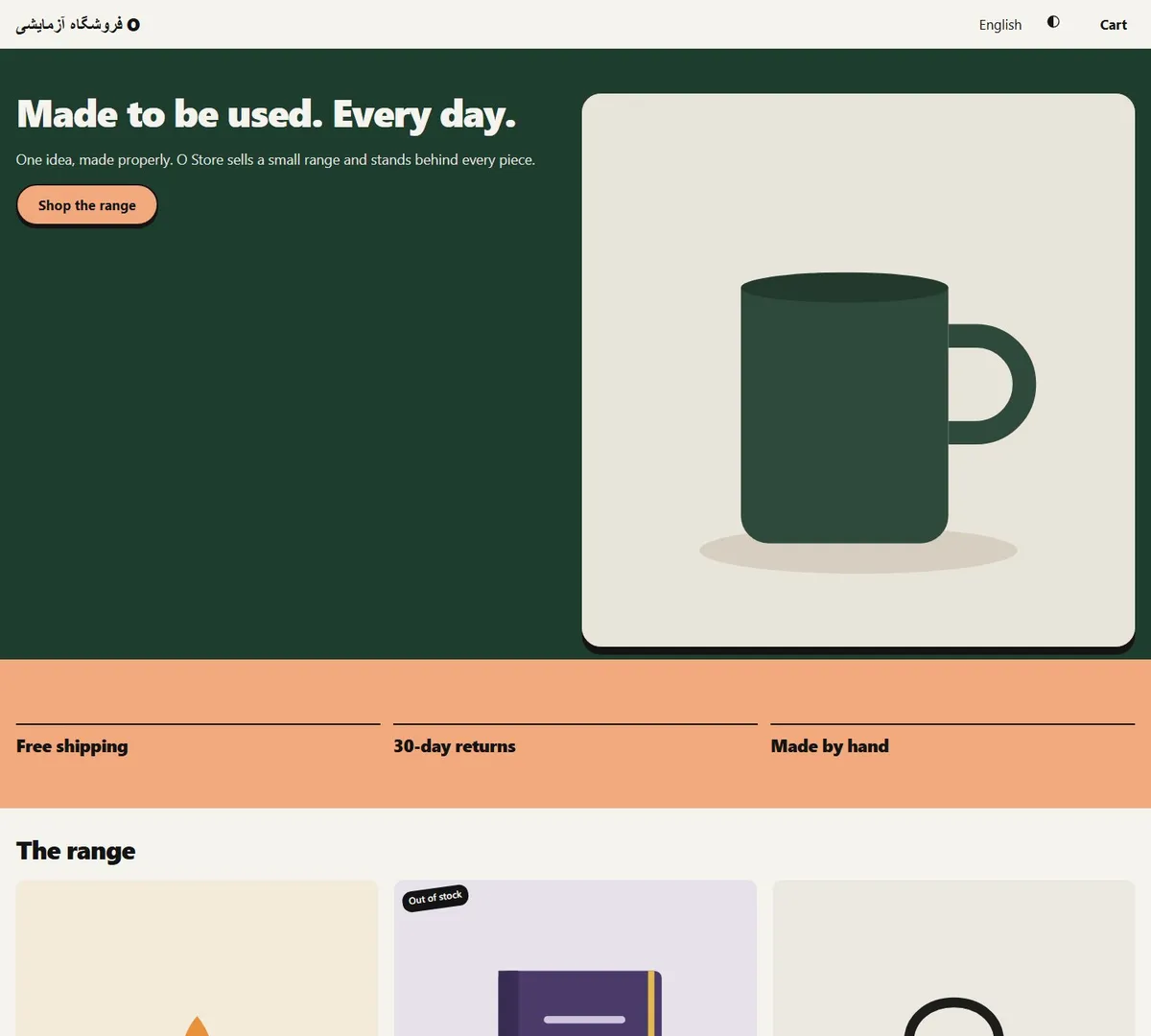
Each theme installs its own signature home page and ships its own stylesheet; both are made of blocks, so everything is editable in the page builder. The images use the installer’s sample products.
Any Linux with Docker and Docker Compose. At least 2 GB RAM and 10 GB disk.
$ docker compose versionUnpack the install package and run the script with your domain. The database password is generated for you.
$ cd ocms/deploy
$ ./install.sh shop.example.com
At the end the script prints a one-time code. It proves you own the server.
$ docker compose exec ocms ocms setup-codeGo to https://your-domain/install: store name, languages, currency, theme and the admin account. Sample products are optional.
Prices are being finalised and will be published here.
A way to contact us and buy will be placed here soon. Meanwhile, try the demo. Open the demo